
Try the live Blue Harbor demo
Auto-sign into a seeded property-operations account and explore real workflows in locked view-only mode.


Live preview
See FORM before you create an account.
Open Blue Harbor in view-only mode to preview work orders, schedules, records, and customer-facing screens.
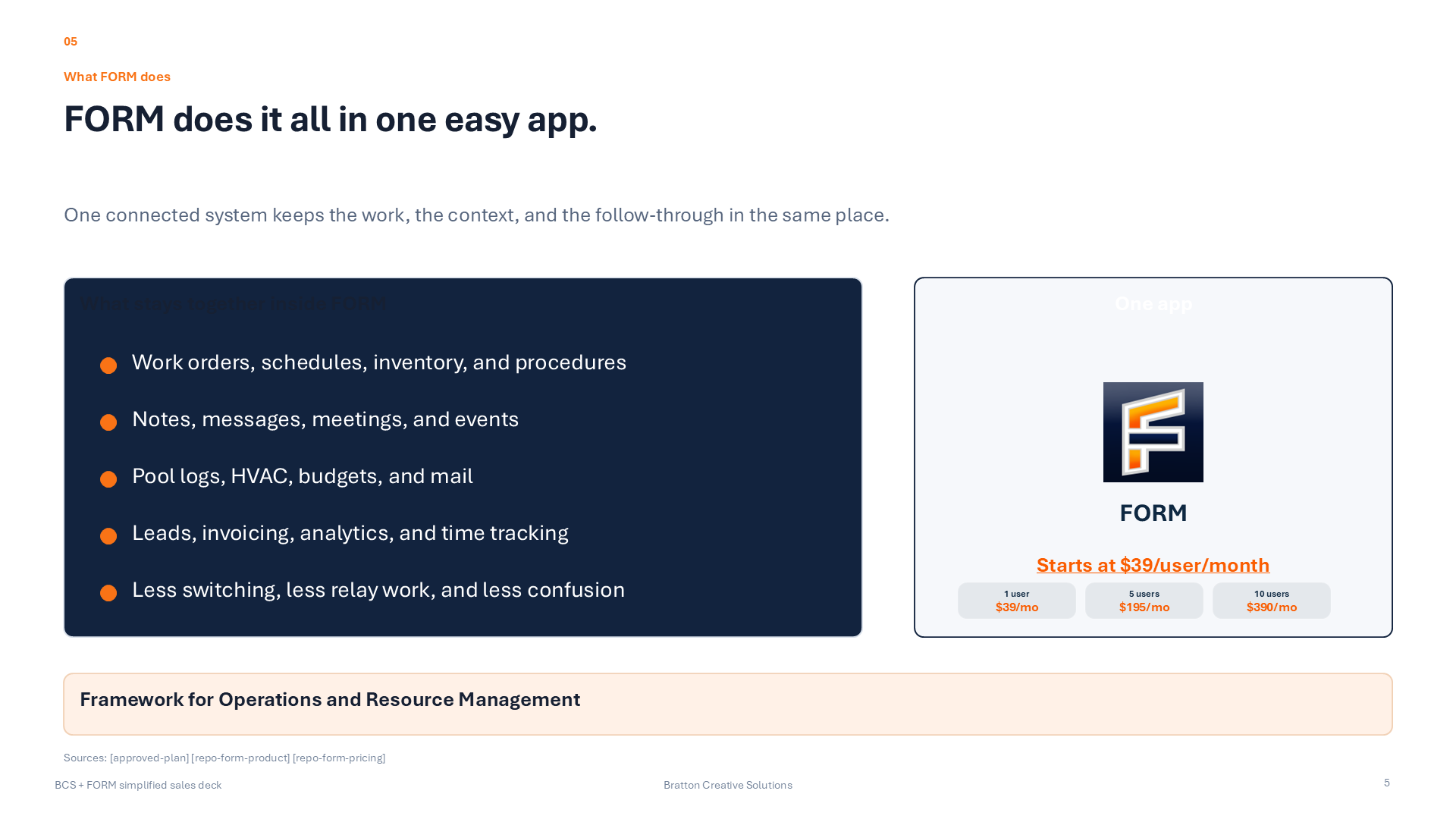
FORM platform
Customer requests, CRM, operations, and payments in one platform.
FORM connects customer access, CRM, work management, billing, and payments in one system.
Use FORM to handle accounts, leads, deals, follow-up, requests, schedules, work orders, documents, invoices, and payments without jumping between disconnected tools.
Provider growth
Provider growth
Give service businesses a stronger public presence, better request intake, and a cleaner path from discovery into real customer relationships.
Customer continuity
Customer continuity
Keep requests, quotes, invoices, documents, messages, and account history in one customer-facing experience instead of scattering follow-up across different tools.
Operational control
Operational control
Run work orders, schedules, procedures, records, specialist tools, and team workflows inside the same operating environment behind the customer promise.
Revenue flow
Revenue flow
Connect quoting, invoicing, POS, Stripe-powered payments, and customer billing to the same business context instead of a separate payment stack.
FORM platform
Four main parts of FORM.
FORM combines marketplace visibility, customer access, operations, and payments in one platform.

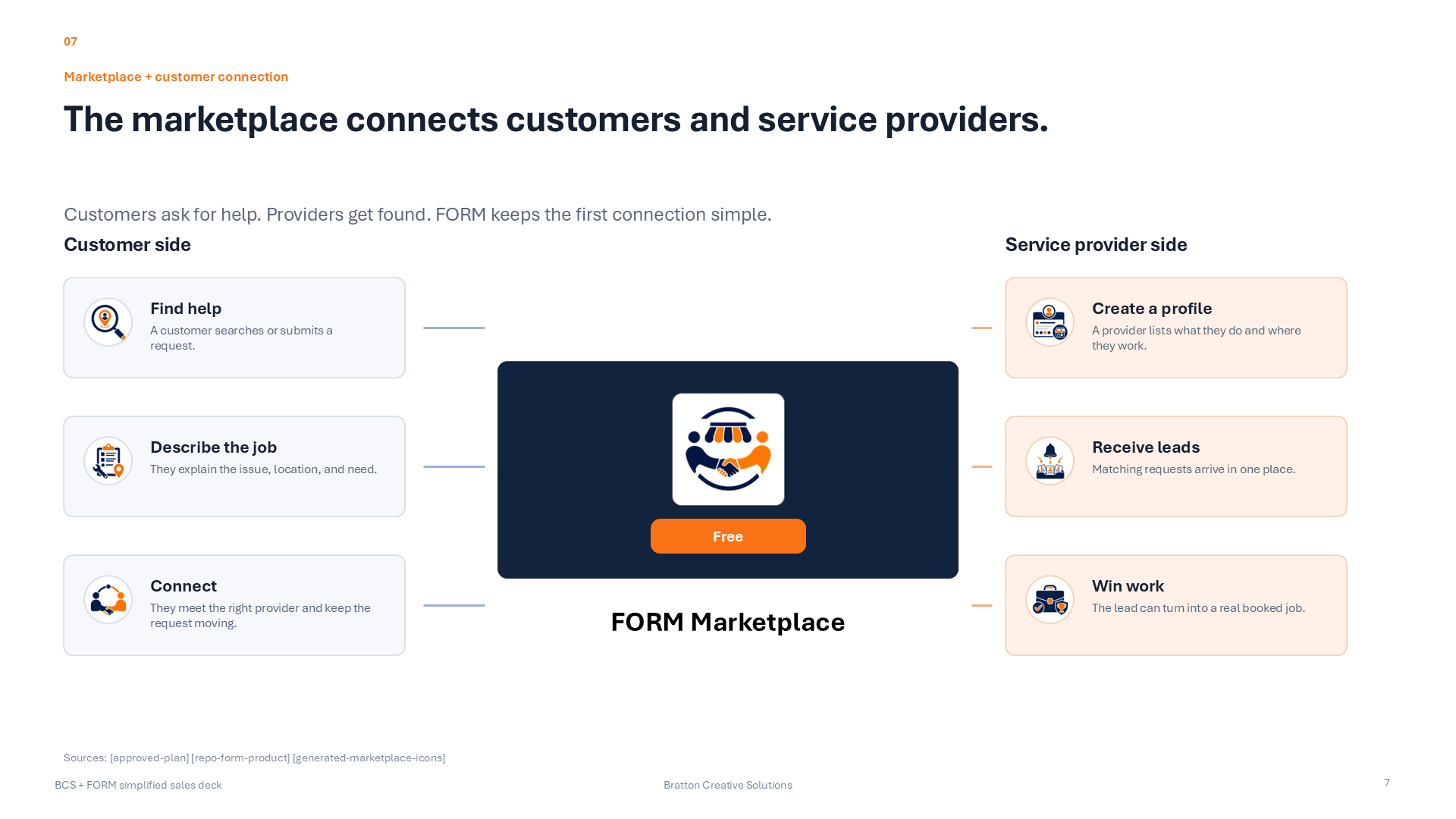
Marketplace
Help providers get found and help customers find the right provider faster.
FORM Marketplace gives service businesses a place to market themselves while giving customers a cleaner way to browse providers, request service, and stay connected after the first job.
Browse providers

Customer portal
Keep the customer relationship organized after the first interaction.
The shared customer portal keeps requests, quotes, invoices, documents, messages, and account visibility in one place so businesses can manage current customers better over time.
See customer portal

Operations
Run the work behind the customer promise.
FORM gives organizations the internal operating side too: work orders, scheduling, procedures, resources, specialist tools, and the wider full-suite environment for teams that need more than one workflow.
See full FORM

Payments
Quote, invoice, collect, and reconcile in one place.
FORM Payments keeps customers, quotes, invoices, POS, connected Stripe sales, and payment-side follow-through tied to the same business context instead of a separate payments silo.
See payments entry
FORM platform
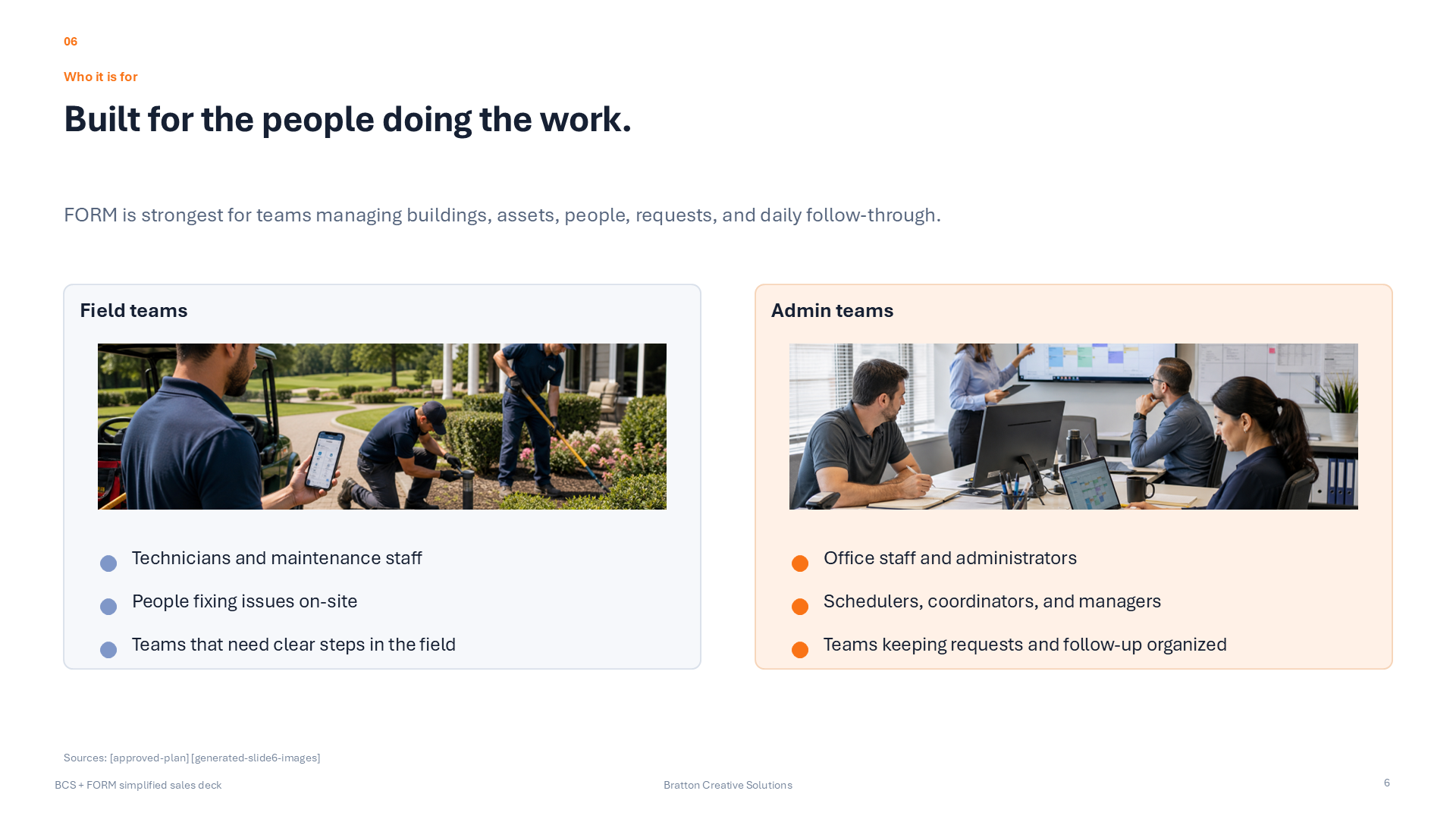
Built for service businesses, properties, hospitality teams, and larger operations.
FORM supports different types of teams without forcing each one into separate software.
Service businesses and contractors
Market the company, win new customers, quote cleanly, invoice faster, and keep the customer relationship organized after the first job.
Provider listingCustomer recordsQuotes and invoices
See small-business fit
Multi-tenant properties and communities
Give residents, tenants, and customers a cleaner portal while internal teams track requests, provider coordination, billing, and service history in one environment.
Shared portalRequest continuityOperational follow-through
See property fit
Hospitality, resorts, and clubs
Coordinate customer-facing service, specialist workflows, internal operations, and payments without forcing every department into disconnected software.
Cross-team coordinationSpecialist toolsCustomer visibility
See hospitality fit
Larger operational organizations
Unify providers, customers, work execution, records, and payments across a bigger organization while keeping the option to deploy focused apps where they fit best.
Shared data modelSuite or standalone rolloutExpansion without fragmentation
See larger-org fit
Why FORM feels different
FORM connects customer activity to the work behind it.
Customers can request service, teams can manage the work, sales can track the relationship, and the business can handle billing and payments in the same platform.
Handle customer requests and follow-up in one place.
Track accounts, leads, deals, and activity without a separate CRM.
Run work orders, schedules, and records without extra tools.
Start with the full platform or a focused app.
Keep billing and payment activity tied to the work.
Customer and provider connection


FORM platform
CRM capabilities are now part of FORM.
FORM can manage customer relationships before, during, and after the job: accounts, leads, deals, pipeline, activity, follow-up, and the operational history behind each customer.
Accounts
Customer account records tied to the work.
FORM now keeps native CRM account records next to the customer, billing, portal, and work-order history the business already has.
Customer and contact visibilityLinked invoice customer recordsOpen invoice and work-order context
Leads
Track new interest before it becomes active work.
Leads can live beside accounts with source, stage, value, notes, next step, and timing so follow-up does not get lost.
Lead stages and source trackingEstimated value and next stepSearch across lead details
Deals
Move opportunities through a real pipeline.
Deal records add the sales pipeline layer: amount, probability, expected close date, proposal status, won/lost state, and notes.
Open deal pipelineProposal and approval stagesWon, lost, and archived outcomes
Activity
Keep follow-up activity on the customer timeline.
Calls, emails, meetings, tasks, portal messages, quotes, invoices, work orders, and notes can be tracked against the right account, lead, or deal.
Notes, calls, emails, and meetingsTasks and follow-up datesQuote, invoice, and work-order activity
Why businesses move into FORM
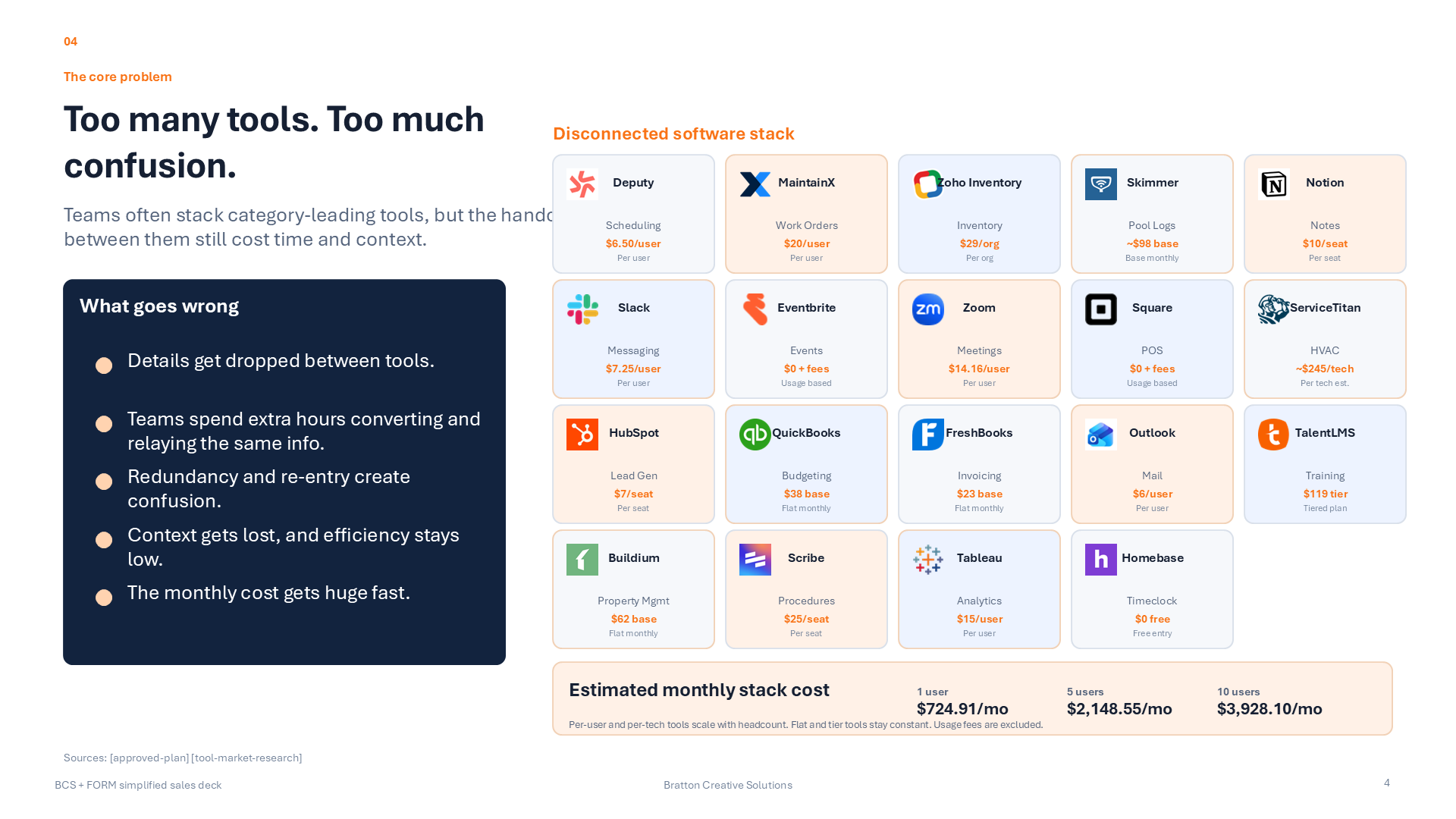
One platform can replace a stack of disconnected tools.
FORM is built for businesses that need customer intake, customer management, operations, and payments in one place.
Customer growth
01
Market the business and create cleaner paths into new customers
The provider marketplace helps companies present their business, get discovered, and turn inbound interest into an organized customer relationship.
Marketplace visibility for providers and service businesses.
A cleaner request path for new customers.
Less marketing hassle from disconnected tools and follow-up gaps.
Customer management
02
Keep current customers better served after the first interaction
The shared customer portal gives businesses one place for requests, quotes, invoices, documents, and communication.
Shared portal for requests, documents, billing, and communication.
Cleaner history across customer relationships.
A better retention surface than scattered inboxes and payment links.
Operational execution
03
Run the work behind the customer promise
FORM also covers the internal side: work orders, schedules, procedures, records, specialist tools, and payments.
Whole-suite rollout for bigger environments.
Standalone niche apps for businesses that only need one major tool.
A path to grow without changing platforms later.
FORM platform
Choose the starting point that fits right now.
Start with the full platform, a focused app, payments, or the marketplace.
Full suite
Start with the full FORM platform.
Best for organizations that need customer access, operations, and payments connected from day one.
Explore full FORM
Focused app
Start with one standalone niche app.
Use Pools, Budgets, or Schedules when the business needs one serious workflow first and can add more later.
Compare focused apps
Payments first
Start with customers, quotes, invoices, POS, and Stripe.
FORM Payments is a good starting point for businesses that need to sell, collect, and manage customers before they need broader operational tools.
See payments
Provider growth
Start with the provider marketplace and customer flow.
Create a stronger public presence, get discovered by new customers, and connect that interest directly into customer follow-up.
See provider growth
FORM platform
Core tools inside FORM.
These workspaces support the daily work behind requests, scheduling, records, and follow-through.
Explore the workspaces that support execution, accountability, records, specialist operations, and customer follow-through inside FORM.

Core Ops
Work Orders
The execution engine for maintenance teams that need cleaner request intake, assignment, progress visibility, and closeout proof in one place.
Explore this workflow

Core Ops
Schedules
A labor-planning tool for building shifts, viewing coverage, handling PTO, and keeping maintenance staffing legible at a glance.
Explore this workflow
Core Ops
Inventory
Inventory keeps parts, stock levels, QR-based lookup, and consumption history visible to the people who need to replenish and plan.
Explore this workflow
Knowledge
Procedures
Procedures turn operational know-how into reusable, structured execution steps that can be attached directly to work orders and recurring routines.
Explore this workflow

Communication
Messages
Messages keeps team conversation closer to the work so updates, questions, resident follow-up, and coordination stop getting lost across disconnected apps.
Explore this workflow

Specialized Tools
Pools
A dedicated aquatic-operations workspace for chemistry, compliance, trends, logs, and daily accountability.
Explore this workflow

Specialized Tools
Budgets
A live budget and invoice workspace that helps leaders monitor spend, ledger codes, vendor invoices, and remaining budget without hunting through disconnected finance records.
Explore this workflow
Core Ops
Resources
Resources brings locations, vendors, assets, and shared operational records into one clearer organizational layer.
Explore this workflow
FORM platform
Choose the part of FORM you want to explore.
See pricing, provider listings, customer access, or talk with the team.